Listing Pages & Leads
A refined page for every listing — and every buyer reaches you.
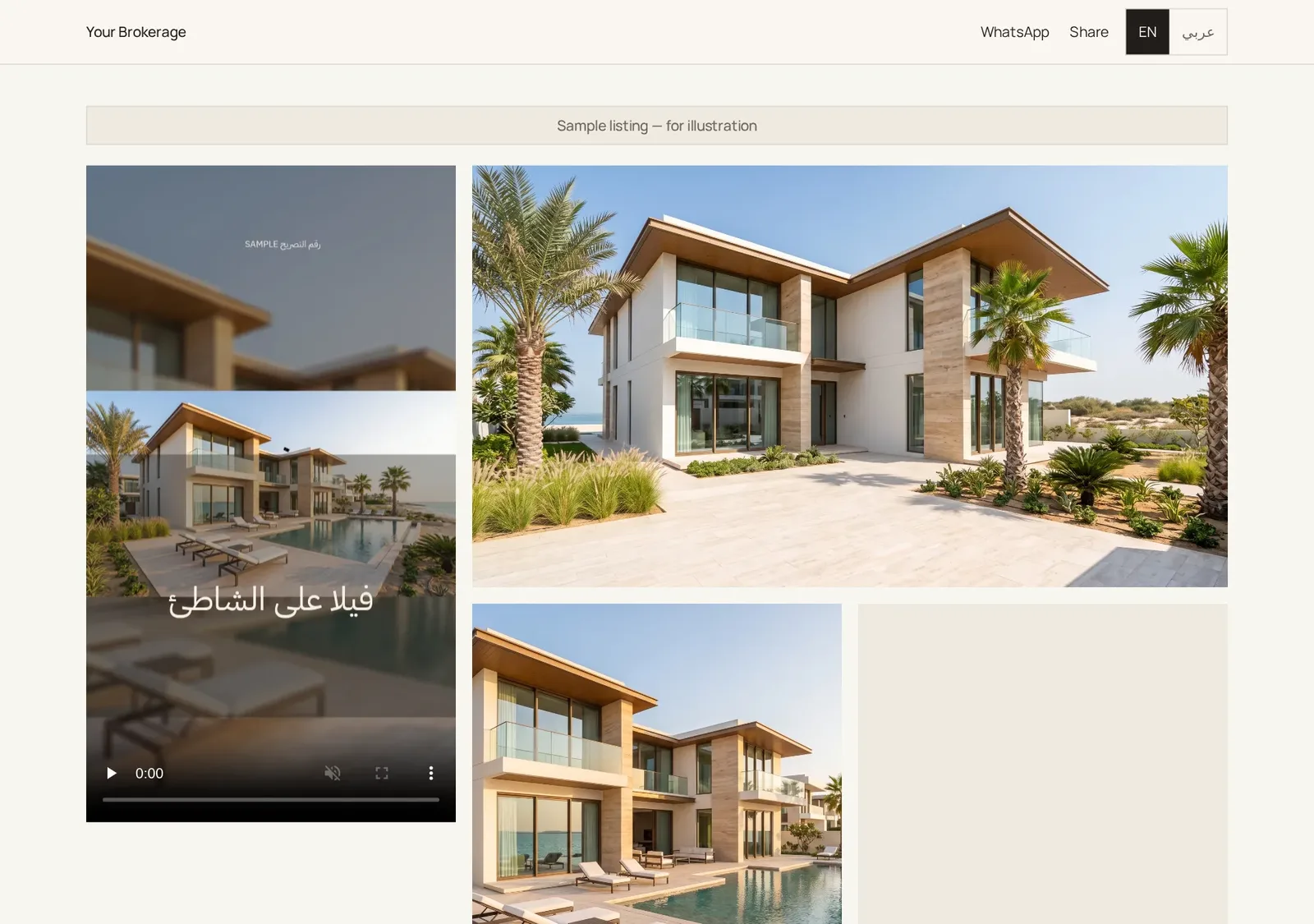
Share one link or QR. Buyers watch the reel, see the facts and permit, and message you on WhatsApp in one tap or request a viewing. Viewing requests are emailed to you instantly, with a one-tap WhatsApp reply.
Never miss a buyer
Every enquiry and viewing request is emailed to you instantly.
Know what they watched
Each lead shows the listing and the video the buyer watched.
Real numbers
Views, WhatsApp taps and viewing requests from the page itself.
How it works
- 01
Create a campaign
- 02
Tap “Go live” on the listing page
- 03
Share the link or QR
What's included
- Free trial
- Page goes live; buyer details unlock on upgrade
- Agent
- Full leads inbox and email alerts
- Pro
- Full leads inbox and email alerts
- Brokerage
- Leads plus manager copies
Questions
Is the permit shown on the page?
Yes, the permit number (and QR where provided) is always on the listing page.
Can I turn off lead emails?
Yes, in Settings. They're on by default.
Is the page in Arabic too?
Yes. Buyers can switch between English and Arabic.